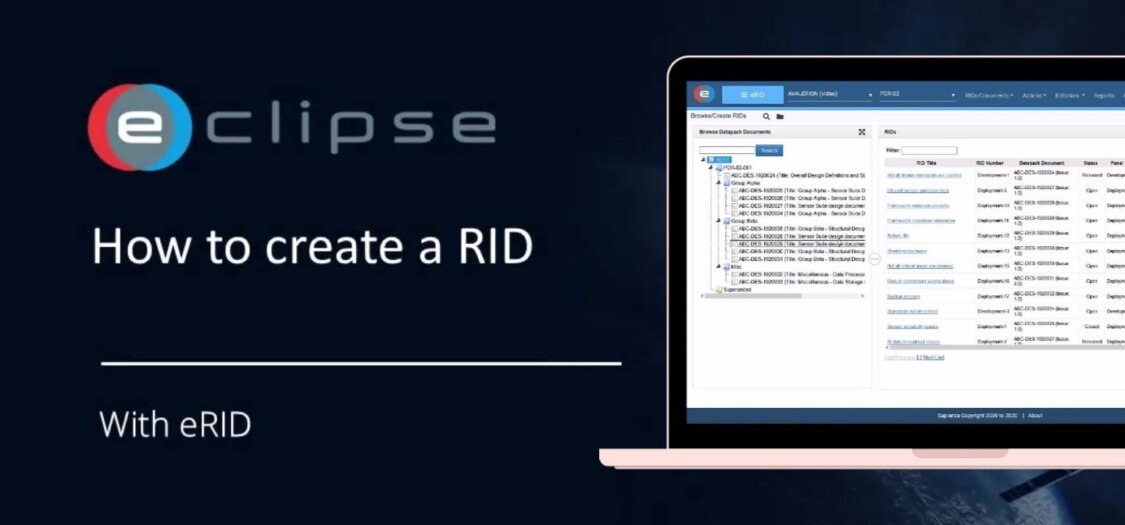
How to create a RID?
26 Feb, 2025
When reviewing a document, issues mustn’t be just noticed but properly recorded and resolved. This is where a Review Item Discrepancy, or RID, comes in.
A RID is used to formally capture any issue identified during a review that is not compliant with a requirement, a review objective, or a design goal.
By creating a RID, you ensure that the issue is tracked, addressed, and closed in a structured and traceable way. In this video, we will show you how to create a RID in the ECLIPSE Software Suite.
How to create a RID in ECLIPSE Software Suite
- Select a document in ECLIPSE
- Click the download arrow icon to open/download it
- Choose Create RID
- A RID form opens where you can:
- Description of the issue
- Reference (requirement, section, or design element)
- Any supporting comments
- Then you can:
- Edit the RID
- Create additional RIDs
- Or close the screen