How to browse the data pack in eRID?
25 Jul, 2025
When working with large data packs, finding the right documents and their associated review items can be challenging. This is where browsing the data pack efficiently becomes essential.
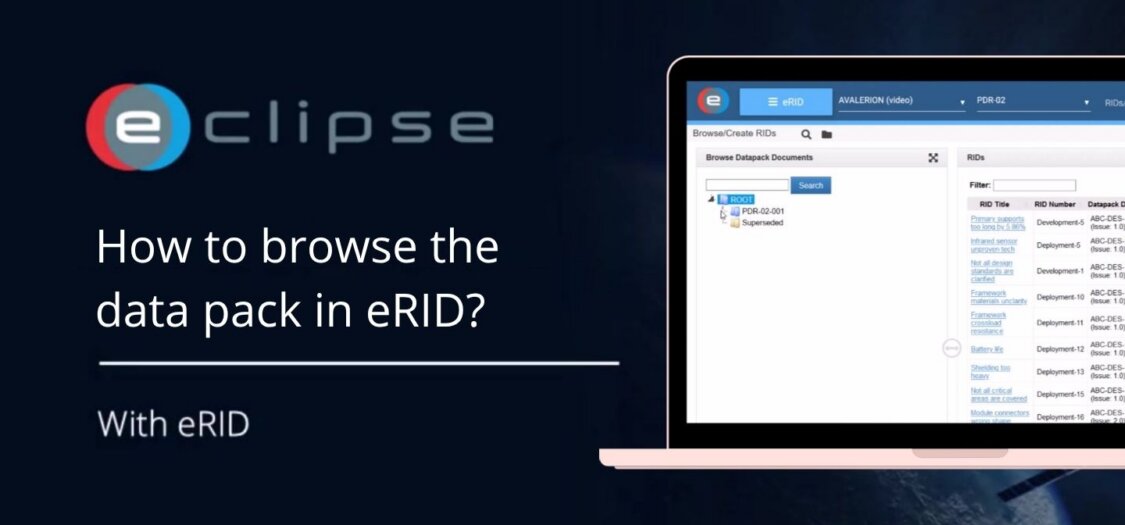
The data pack structure allows you to quickly navigate through folders, locate documents, and access their related RIDs. By using the available navigation tools, you can save time and ensure you are reviewing the correct information.
In this video, we will show you how to browse the data pack in eRID.
How to Browse the Data Pack
- Click the triangles on the left side to expand or collapse folders within the data pack.
- Click on a folder or document to view its associated RIDs.
- Right-click on the collection tree to quickly expand or collapse the full structure.
- If you cannot find a document, use the search bar to locate it easily.