How to edit a RID?
22 Jun, 2025
When working on review items, it is not enough to simply identify issues, they must also be updated and maintained as the review progresses. This is where editing a Review Item Discrepancy, or RID, becomes essential.
A RID can be modified while it is open, allowing users to refine information, update responses, and ensure the content accurately reflects the current status of the issue.
By editing a RID, you ensure that all review items remain accurate, traceable, and up to date throughout the review process. In this video, we will show you how to edit a RID in eRID.
How to edit a RID?
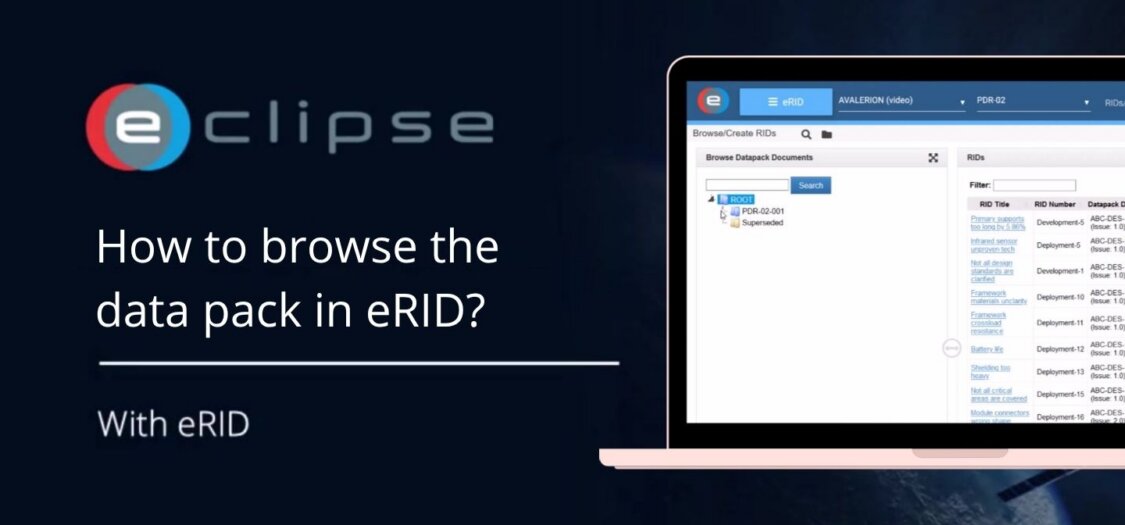
- Select a document to view its associated RIDs.
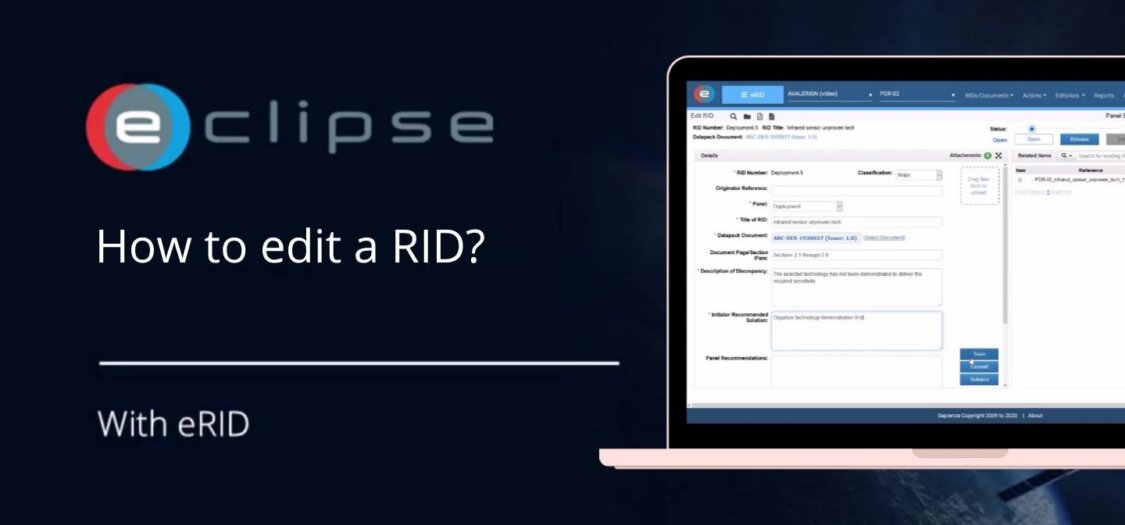
- Click on a RID title to open the edit screen.
- Ensure the RID status is set to Open, as only open RIDs can be edited.
- Update the necessary fields or content as required.
- Use the icons at the top to generate reports or access the audit log for tracking changes.