How to create an action item from a RID?
26 Mar, 2026
When managing review items, identifying an issue is only part of the process, it is equally important to assign clear follow-up actions to ensure resolution. This is where creating action items in AIM from a RID become essential.
An action item allows you to assign responsibility, set deadlines, and define the steps needed to resolve a specific issue identified during the review.
By creating an action item, you ensure that RIDs are not only tracked but also actively addressed in a structured and accountable way. In this video, we will show you how to create an action item from a RID in eRID.
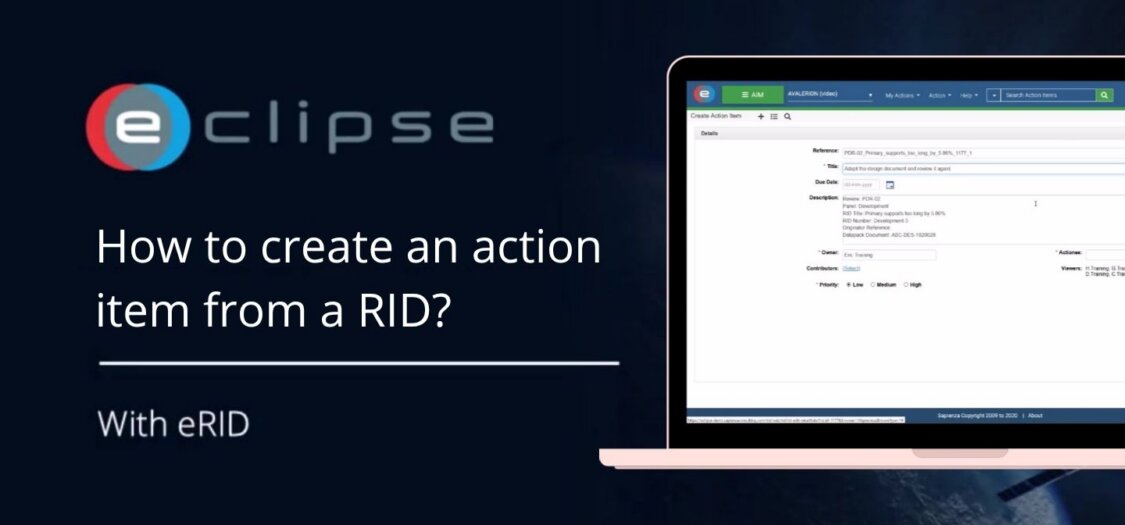
How to create an action item from a RID?
- Open the RID and click “Create Action” in the top right corner.
- Fill in the fields to create the action item:
- Add an Actionee
- Set a Due Date
- Provide a Description
- Assign a Priority
- Once completed, the action item will be created.
- To return to the RID, click on it in the Related Items section located at the bottom right.