How to locate content in ECLIPSE?
16 Apr, 2026
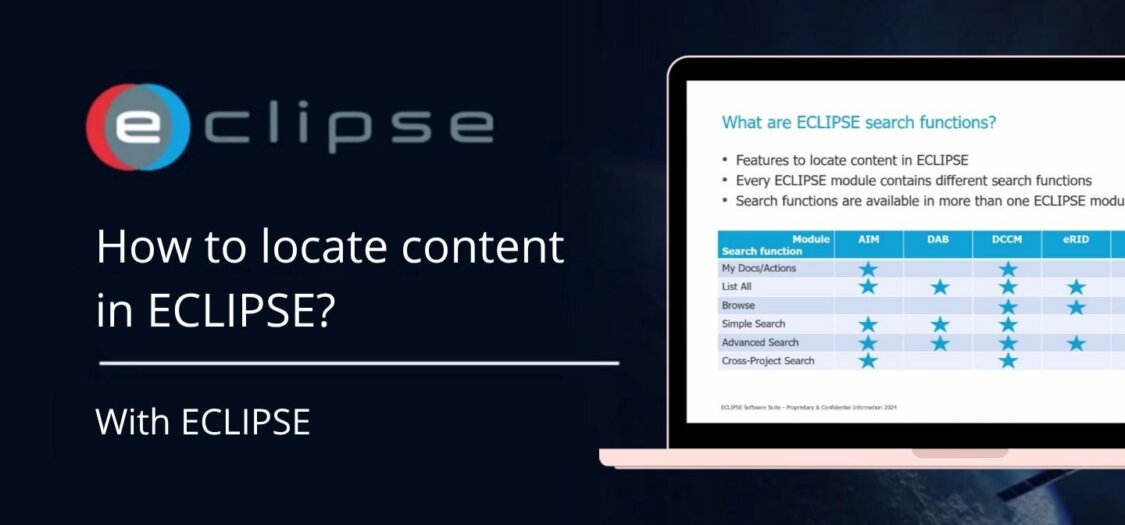
ECLIPSE offers several search functions to help you find content across its modules. Each function is designed for a specific use case, from quick searches to more advanced filtering.
What are the ECLIPSE search functions?
These features help you locate content within ECLIPSE:
| Search function | What does it do? | When to use it? (example) |
|---|---|---|
| My Docs/Actions | Lists content created by you | Generate a “to-do” list |
| List All | Lists all content you have access to | Browse all available content |
| Browse | Shows content by Folder (DCCM), Product Tree Item (eNCTS), or Collection Tree Item (eRID) |
View content by department, process, branch, or any structure used in the tree |
| Simple Search | Enter a few words to quickly scan across multiple fields | When you know the keywords but are unsure which fields they are in |
| Advanced Search | Search using complex filters across all fields and additional criteria | When you need precise results and want to save searches for future use |
| Cross-Project Search | Generates results from multiple ECLIPSE projects | When you don’t know which ECLIPSE project contains the content |
Below you can find the sections available in each module:
| Search function | AIM | DAB | DCCM | eRID | eNCTS | eRISK |
|---|---|---|---|---|---|---|
| My Docs/Actions | ★ | ★ | ||||
| List All | ★ | ★ | ★ | ★ | ★ | ★ |
| Browse | ★ | ★ | ★ | |||
| Simple Search | ★ | ★ | ★ | ★ | ★ | |
| Advanced Search | ★ | ★ | ★ | ★ | ★ | ★ |
| Cross-Project Search | ★ | ★ | ★ |