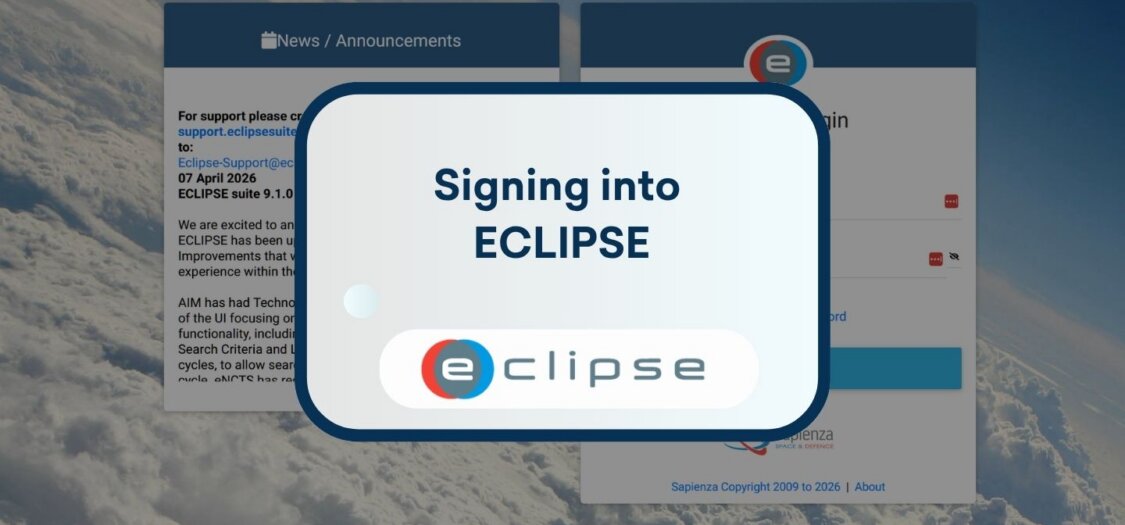
Signing into ECLIPSE Software Suite
10 Jul, 2026
Before you can sign in to the ECLIPSE Software Suite, you need the correct web address for your organization’s ECLIPSE environment. The URL depends on how ECLIPSE is hosted, so your administrator is the best person to provide it.
Cloud hosted ECLIPSE
If your organization uses the cloud hosted version of ECLIPSE, your login URL usually follows this format:
https://companyname.eclipsesuite.com
Replace companyname with your organization’s unique ECLIPSE domain. Your ECLIPSE administrator will provide the exact address.
On premises ECLIPSE
If your organization hosts ECLIPSE on its own infrastructure, the login URL is specific to your internal network and system configuration. There is no standard web address for on premises installations.
Contact your ECLIPSE administrator to obtain the correct URL for your environment.
Conclusion
The URL you use to access ECLIPSE depends on your organization’s hosting setup. Whether your organization uses the cloud version or an on premises installation, your ECLIPSE administrator can provide the correct login address.