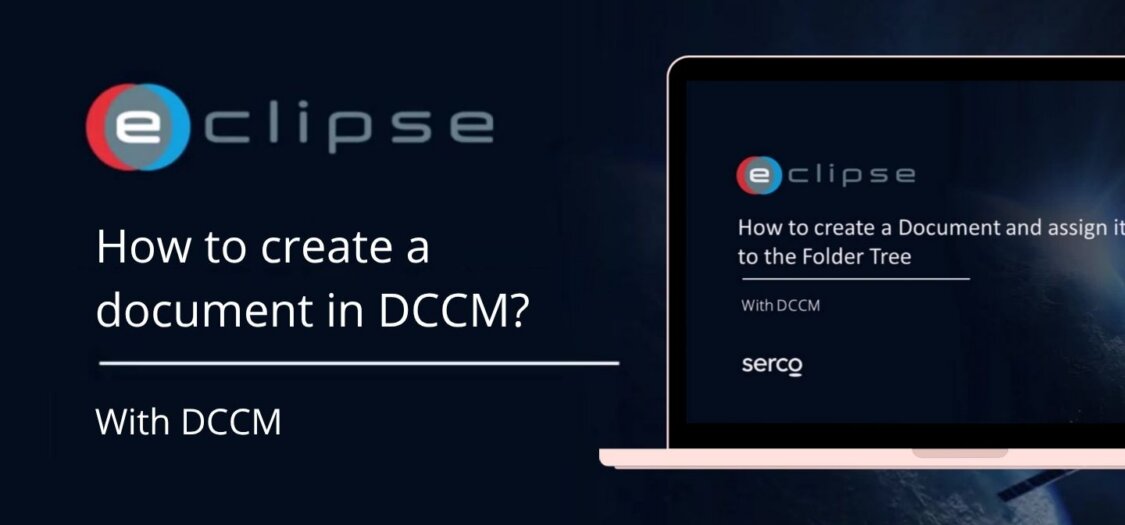
How to create a document in DCCM
15 May, 2026
When creating a document, it is important to enter the correct information, add files, and assign it to the right folders. This ensures the document is easy to find and available to the right users.
In this video, we will show you how to create a document step by step.
How to create a document in DCCM
- Click the plus sign next to My Documents on the DCCM module
- Choose a document template and a reference type.
- You will see the document preview screen. The document has not been created yet.
- Enter values in the fields. Fields marked in red are mandatory.
- If you have a file, upload it by dragging and dropping or by clicking Browse.
- Assign the document to one or more folders. Assigning a document to folders makes it available to users who have access to those folders.
- Click Select under Folders
- Choose a folder
- After entering values, adding files, and selecting folders, the document is ready.
- Click Create to create and save the document.