How to distribute a document in DCCM
15 Apr, 2026
When sharing a document, it is important to ensure that the right people receive access and that the document is communicated clearly. This helps maintain proper visibility, traceability, and collaboration.
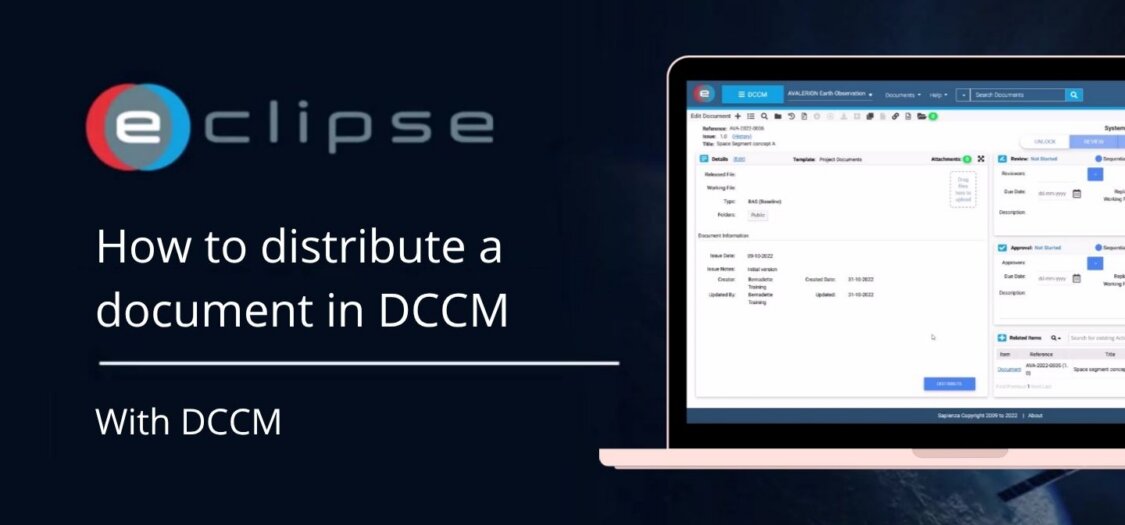
In this video, we will show you how to share a document with the right recipients.
Distributing a Document
- Click Distribute.
- Use Distribute to send an email containing a hyperlink to the document.
- Optionally, include a message in the email.
- In the left panel, select the recipients of the distribution email.
- The listed recipients are users who have access to the document.
- Click Save Recipients to save the recipients.
- Click Send to New to send an email to new recipients.