How to create an NCR and assign it to a Product Tree Item?
30 Mar, 2026
When identifying a non-conformance, it is important to not only record it, but also link it to the correct product tree item. This ensures that the issue is properly categorized, traceable, and assigned to the right part of the product structure.
In this video, we will show you how to create an NCR and assign it to a product tree item.
How to create an NCR and assign it to a Product Tree Item?
- Click the plus icon in the top left corner to create a new NCR.
- Choose a reference generator.
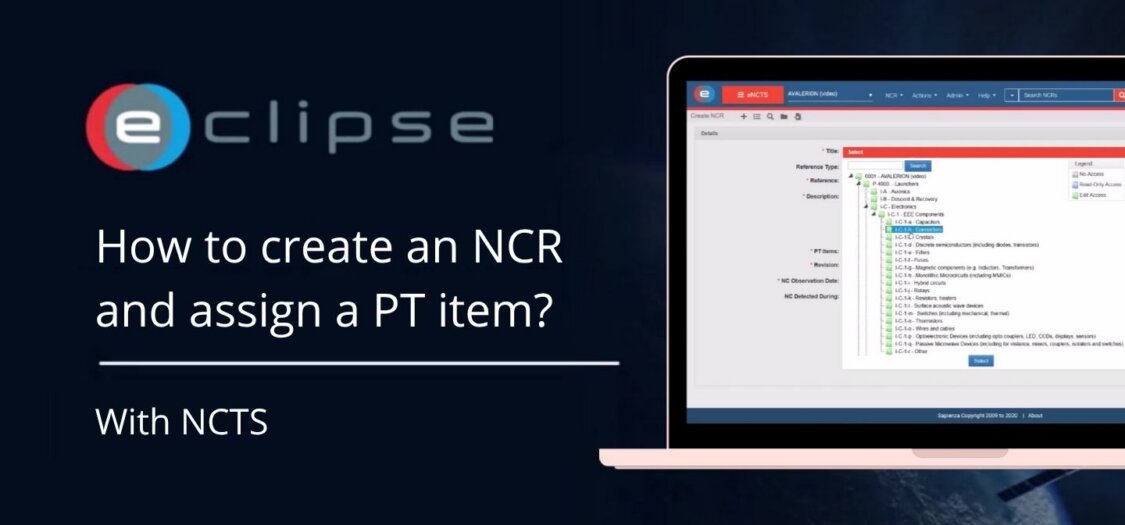
- Click Select next to Product Tree (PT) items to assign the NCR.
- The product tree will appear. Click the blue folder icons to navigate deeper into the structure.
- Select the appropriate folder or item.
- Complete the remaining information.
- Click Create to create the NCR.