How to Create a Record in DAB
10 Jul, 2026
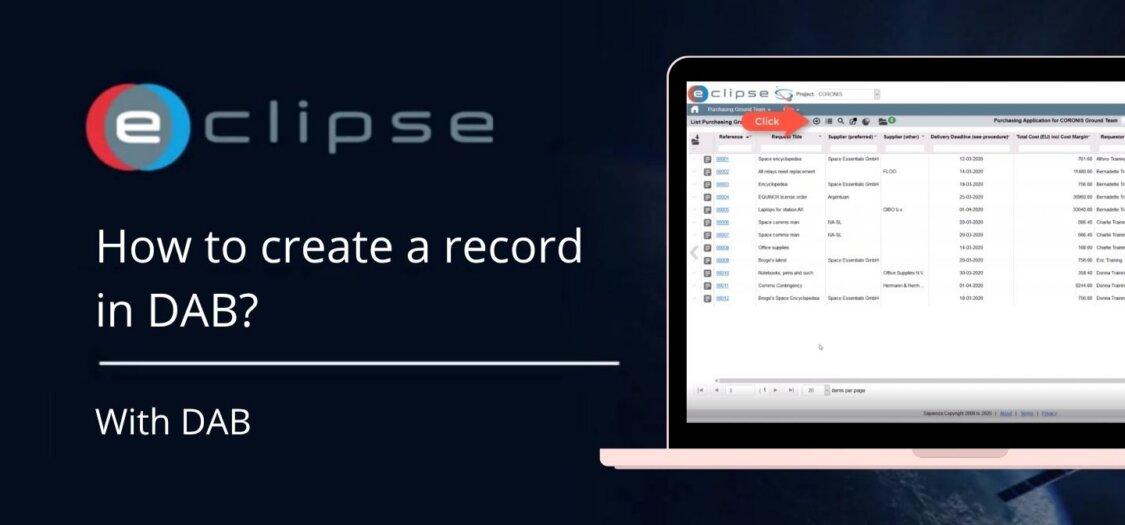
Creating a new record in DAB allows you to register and manage information in a structured way. By completing the required fields and saving the record, it becomes available for future updates and tracking.In this video, we will show you how to create a new record in DAB.
Let’s create a record
- Open the DAB application.
- From the overview page, click New to create a new record.
- In the Record screen, complete the required fields, including:
-
- Name
- Description
- Responsible Person
- Required By
- Requested Date
- Required Completion Date
- Any additional mandatory fields for your organization.
- If applicable, select values from the available dropdown lists.
- Add any relevant notes or comments in the description field.
- Review the information to ensure all required fields have been completed correctly.
- Click Save to create the record.
- The new record is now stored in DAB and can be viewed or edited later from the records overview.