How to Create an Action Item from a Record in DAB
10 Jul, 2026
Action Items help you assign, track, and follow up on work related to a specific record. By creating an Action Item directly from a record, you keep all related activities linked together, making it easier to manage progress and maintain traceability.
In this video, we show you how to create an Action Item from an existing record in DAB.
Let’s create an Action Item
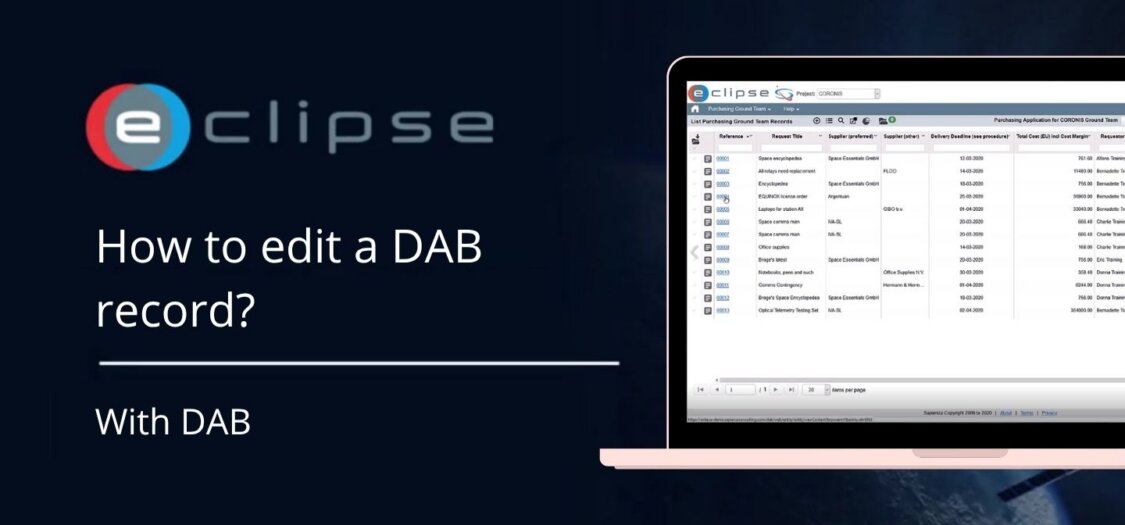
- Open the record you want to create an Action Item for.
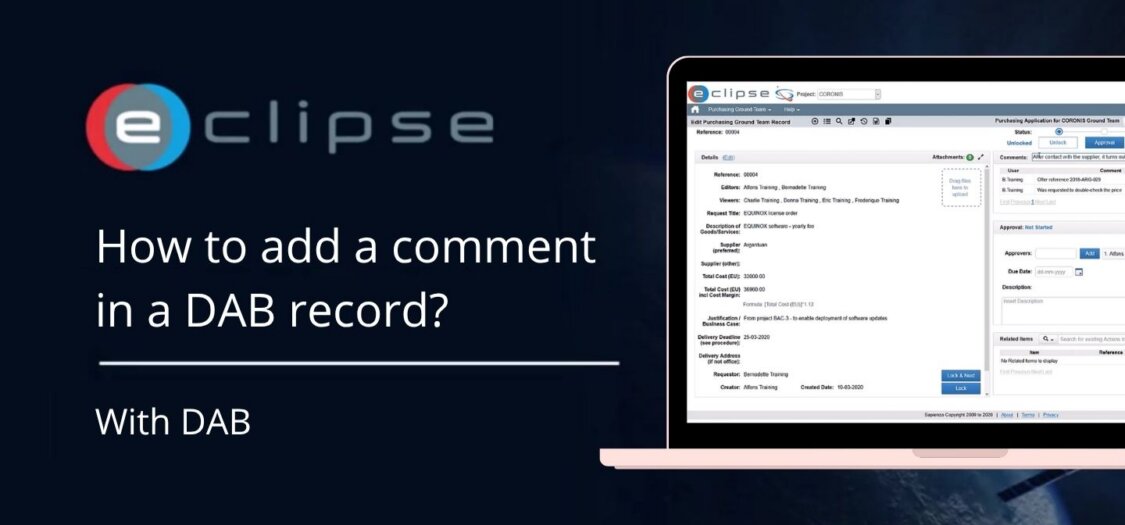
- In the Related Items section, click Create Action.
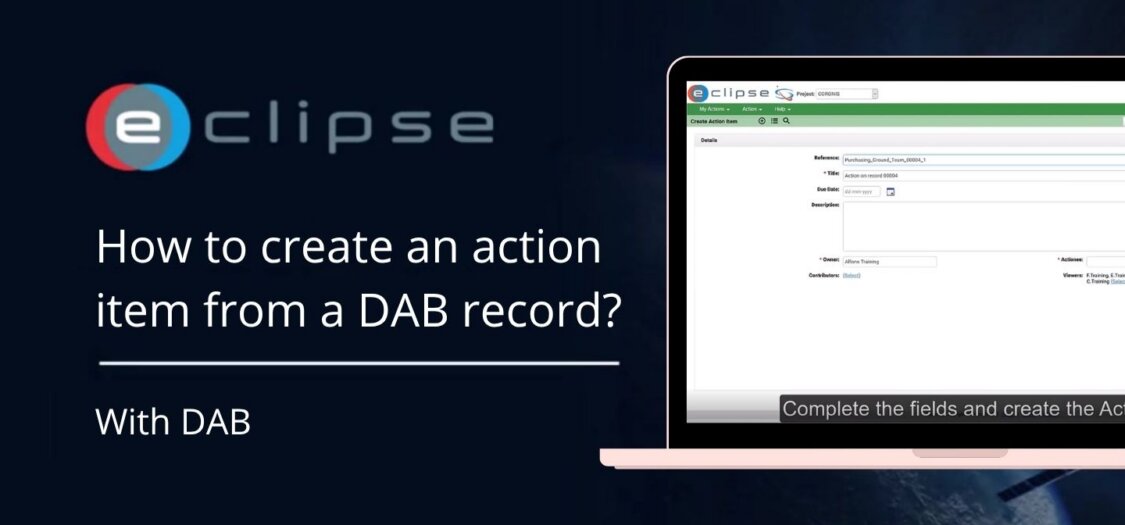
- The Create Action Item screen opens automatically.
- The Reference field is pre-filled with the selected record, ensuring the Action Item is linked correctly.
- Enter a Title for the Action Item.
- Add a Description with the details of the task.
- Select the Owner who will be responsible for completing the Action Item.
- Choose the appropriate Audience or viewers, if required.
- Click Create to save the Action Item.
- Once created, the Action Item opens automatically.
- To return to the original record, click the linked Record in the Related Items section.
The Action Item is now linked to the original record, allowing you to track actions and maintain a complete history of related work.