How to Add a Comment in DAB
10 Jul, 2026
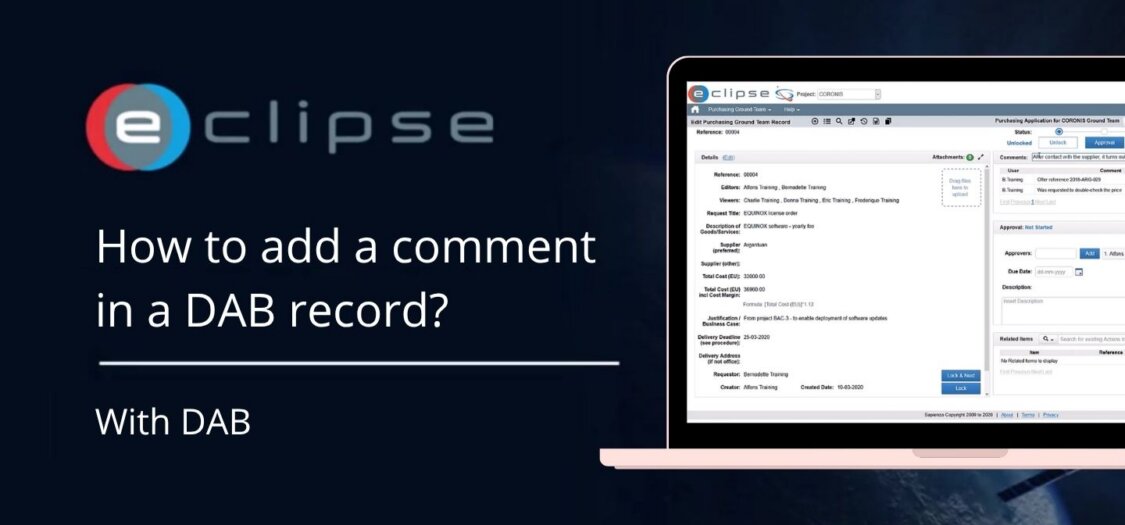
Adding comments in DAB makes it easy to share progress, ask questions, or provide updates on a specific item. Comments help keep all communication in one place, ensuring everyone involved has access to the latest information.
In this video, we will show you how to add a comment in DAB.
Let’s add a comment
- Open the item you want to comment on.
- On the right-hand side of the screen, locate the Comments section.
- Click Add Comment.
- Enter your comment in the text box.
- If needed, you can format your message or include additional details.
- Click Save to post your comment.
- Your comment will immediately appear in the comment history, allowing other users to view and respond if necessary.
- The comment is now stored with the record, providing a complete history of communication related to that item.