How to edit a DAB record
10 Jul, 2026
Keeping DAB records up to date ensures that the correct information is available to everyone working with the data. When you need to update a record, you can edit its details and save your changes in just a few steps.
In this video, we will show you how to edit a DAB record step by step.
How to edit a DAB record
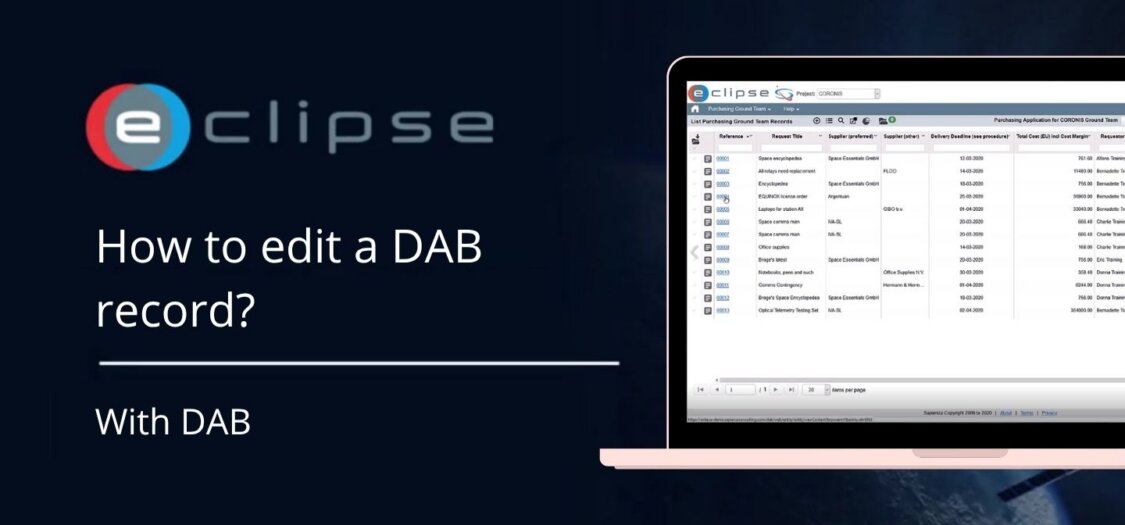
- Open the DAB module and locate the record you want to update.
- Double-click the record to open its details.
- Click Edit to enable editing.
- Update the required fields. You can modify information such as text fields, selections, and other available record details.
- When you have finished making your changes, click Save to update the record.
- After the record is saved, the latest information is immediately available in DAB.
- Additional actions are available from the toolbar, including:
- Audit Log – View the history of changes made to the record.
- Word Template – Generate a document using a predefined template.
- Clone – Create a copy of the current record to use as the basis for a new one.