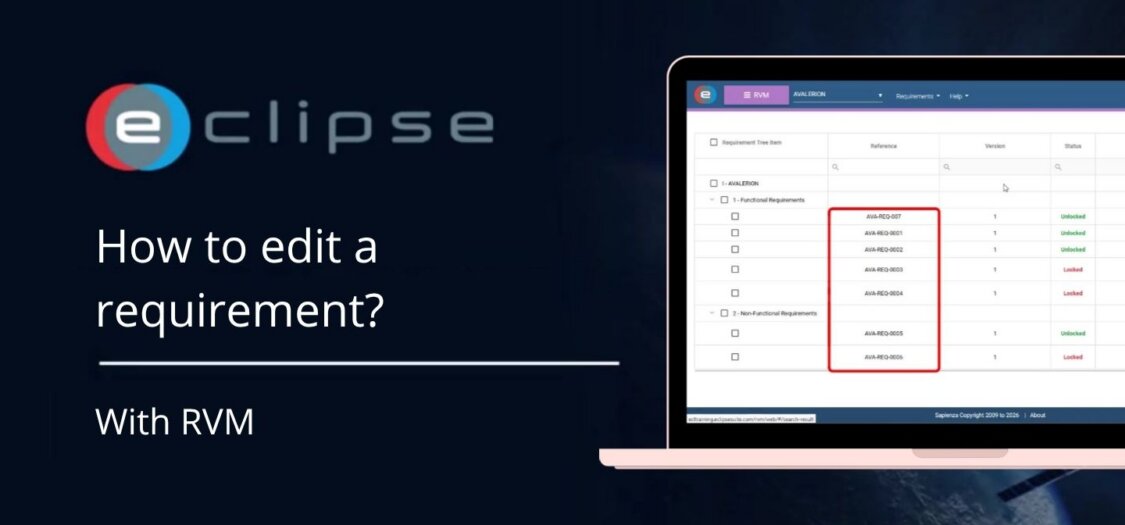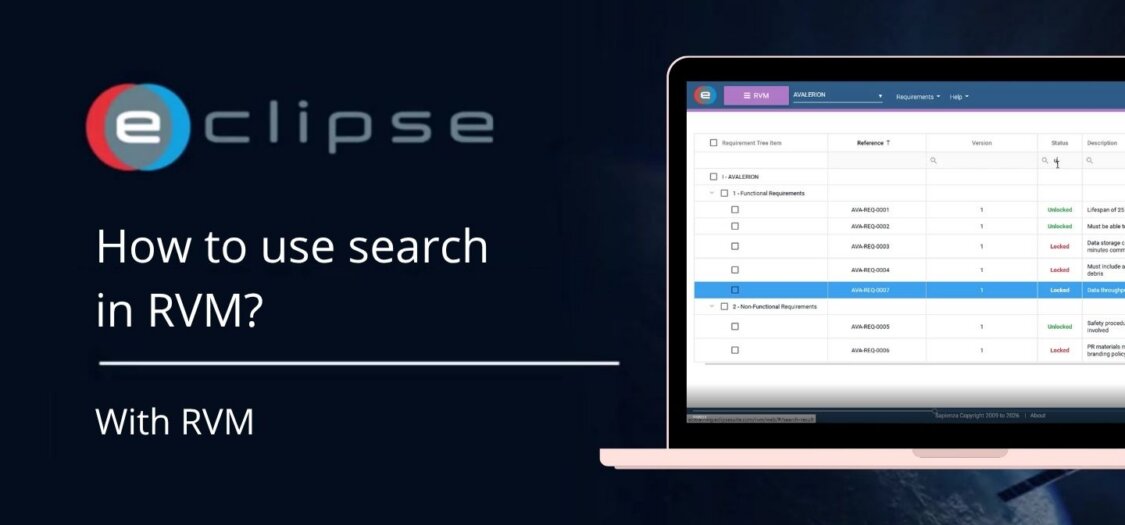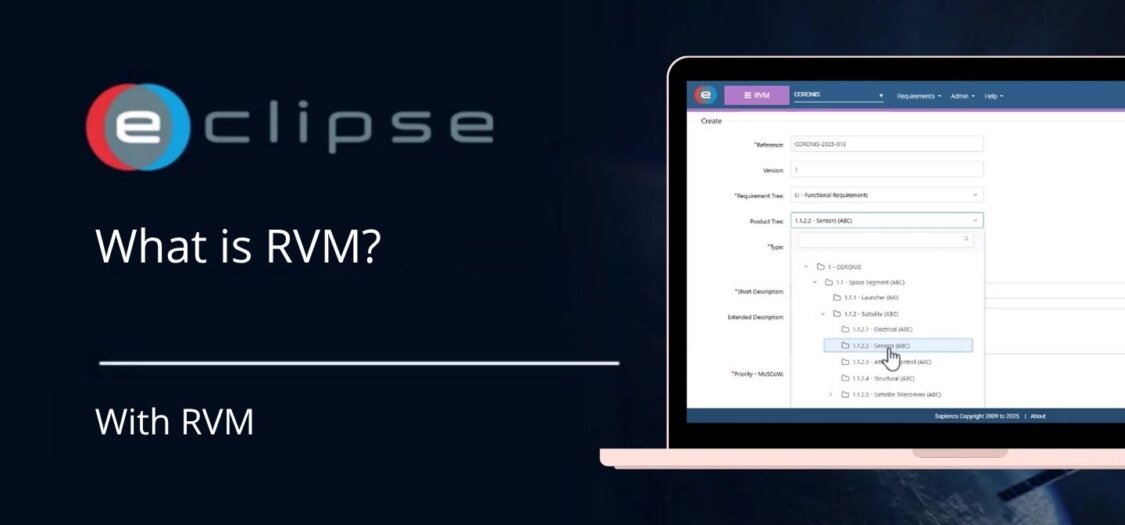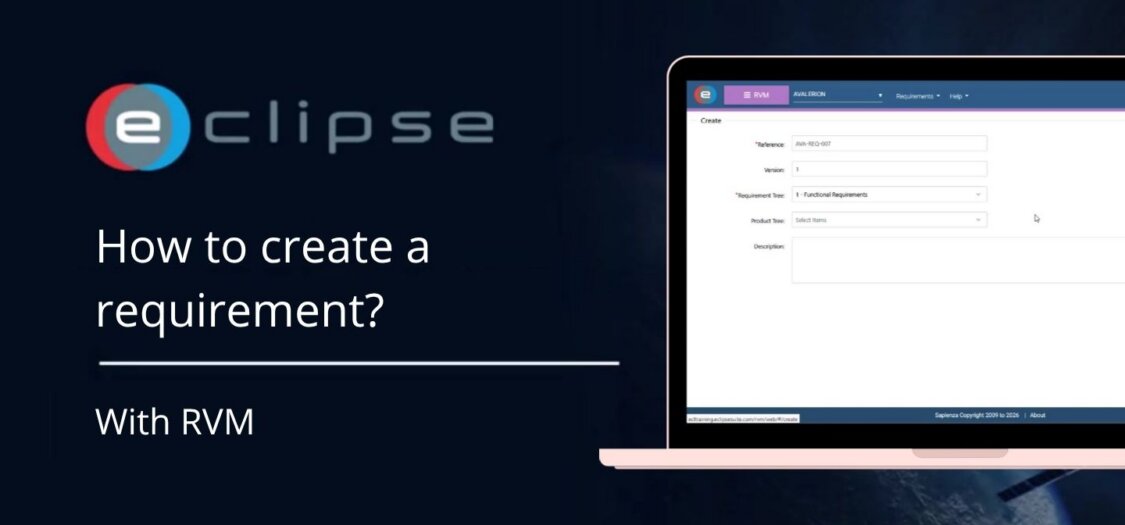
How to create a requirement?
08 Jul, 2026
Requirements in RVM define what a product, system, or component must achieve. Creating requirements in a structured way ensures they can be managed, traced, and verified throughout the project lifecycle.
In this video, we demonstrate how to create a new requirement in RVM.
Before you begin
Before creating a requirement, make sure you have:
- Access to the Requirements and Verification Management (RVM) module.
- The appropriate Requirement Tree available.
- The required permissions to create or edit requirements.
How to create a requirement
- Open the Requirements and Verification Management (RVM) module.
- Navigate to the appropriate Requirement Tree.
- Select the location where you want to add the new requirement.
- Click Create Requirement.
- Complete the required fields, including:
- Requirement title
- Description
- Requirement type
- Any additional required attributes
- Review the entered information.
- Click Save to create the requirement.
The requirement is now added to the Requirement Tree and is available for further management.
What can you do next?
After creating a requirement, you can:
- Edit the requirement details.
- Assign the requirement to a Product Tree item.
- Define relationships with other requirements.
- Link verification activities.
- Track the requirement throughout its lifecycle.
Your new requirement is stored in the Requirement Tree and can now be managed, assigned, and traced as part of your project’s requirements and verification process.