How to edit a requirement?
07 Jul, 2026
Requirements can be updated at any time to keep their information accurate and up to date. In RVM, you can edit requirement details such as the title, description, requirement type, and other properties.
In this video, we demonstrate how to edit an existing requirement in RVM.
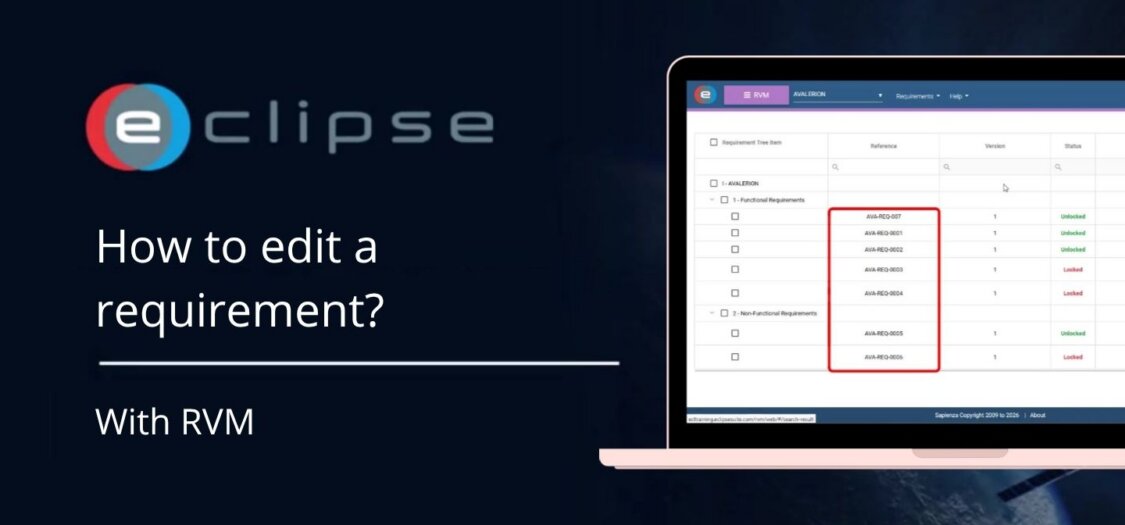
How to edit a requirement
- Open the Requirements and Verification Management (RVM) module.
- Use the Requirement Tree or the Search function to locate the requirement you want to edit.
- Click the requirement to open its details.
- Select Edit Details.
- Update the required information, such as:
- Requirement title
- Description
- Requirement type
- Status
- Other requirement properties, where applicable
- Review your changes.
- Click Save to apply the changes.
Your updates are now stored and immediately reflected in the requirement.
What can you edit?
Depending on your permissions and project configuration, you can modify:
- Requirement title
- Description
- Requirement type
- Status
- Additional requirement properties and metadata
Result
The requirement has been updated successfully. Any changes you make are saved in RVM, ensuring the latest requirement information is available for project members and verification activities.