How to create an action item from an NCR or NRB?
30 Mar, 2026
When managing NCRs or NRBs, identifying an issue is only the first step, it is also important to assign clear actions to ensure proper resolution. Creating an action item helps track responsibilities, set deadlines, and make sure issues are followed up on effectively.
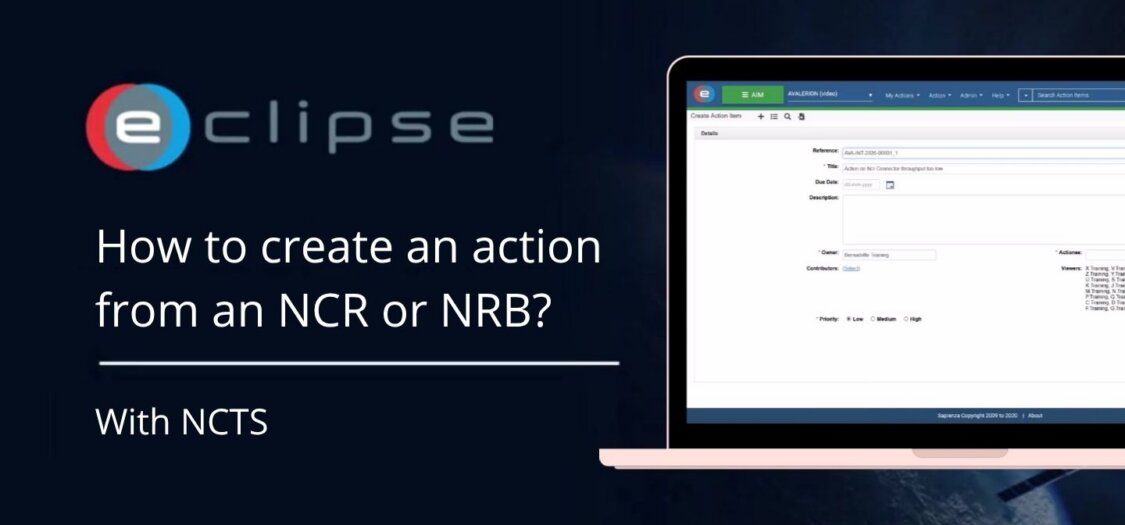
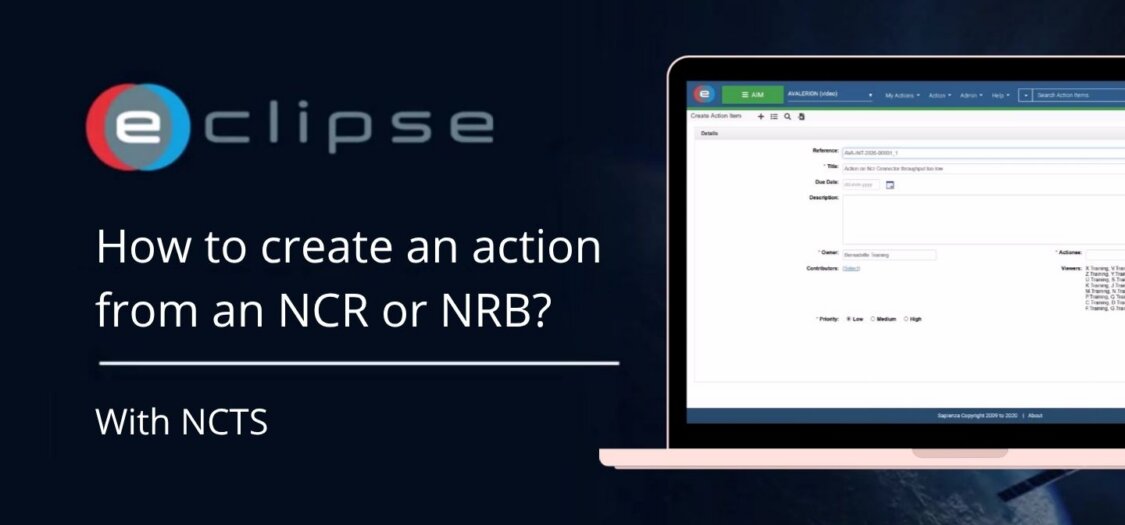
In this video, we will show you how to create an action item from an NCR or NRB.
How to create an action item from an NCR or NRB?
- Click the “Create Action” button on the right side of the screen.
- Complete the required fields to define the action:
- Add a Title
- Add a Description
- Assign an Actionee
- Fill in any additional required information
- Click Create to create the action item.
- To return to the NCR or NRB, click it in the Related Items section.