How to send Notifications about an NCR?
01 Feb, 2026
When working with NCRs, it is important to keep the right people informed about updates, decisions, or required actions. Sending notifications ensures clear communication and helps stakeholders stay aligned throughout the process. With the notification feature, you can quickly reach both internal and external recipients and provide them with the necessary information.
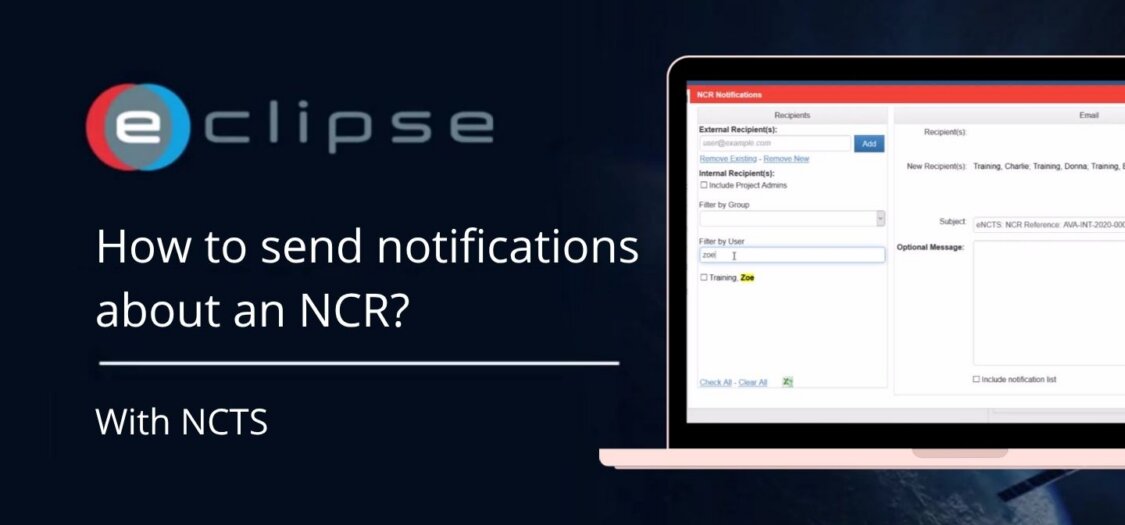
In this video, we will show you how to send notifications about an NCR.
How to send Notifications about an NCR?
- Click the “Notify” button on the left side of the screen.
- Search for the recipient and select them using the checkmark.
- You can also add external recipients by clicking Add.
- Optionally, save the recipient list for future use.
- Add an attached message to the NCR notification if needed.
- Click “Send to New” to send the notification.