How to edit an action item?
30 Apr, 2026
Editing an action item allows you to update information and keep tasks accurate and up to date. This ensures everyone involved has the correct and latest details.
In this video, we will show you how to edit an action item.
Let’s edit an action item
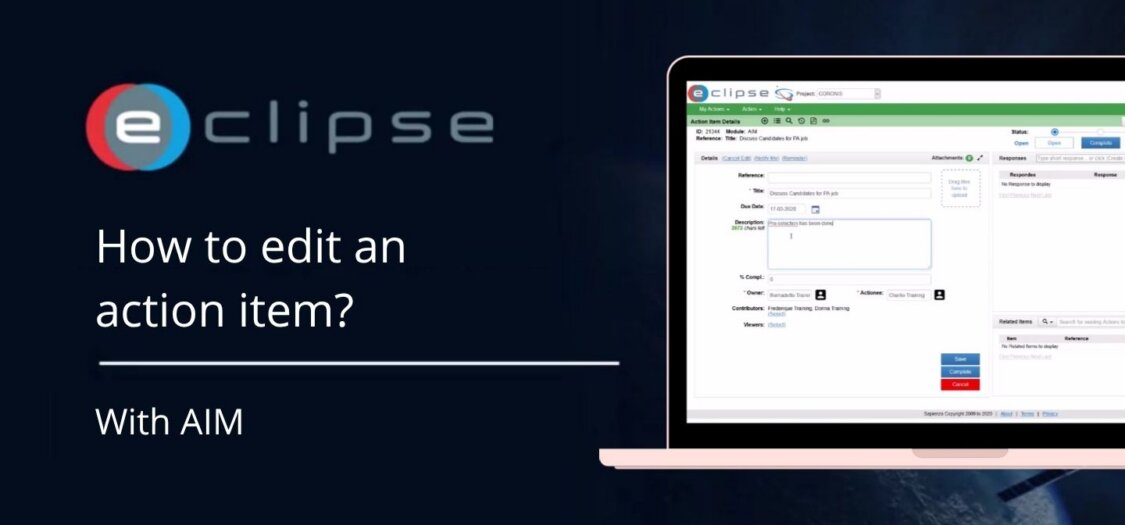
- Click on the action item you want to edit.
- Click Edit in the top left.
- Update the necessary details.
- Click Save to save the changes.
- The icons at the top provide several functions. One of these functions is the Audit Log, where you can view all changes made to the action item.
You have now edited an action item and updated its details. You can also use the audit log to track changes and keep a clear history of updates.