How to create an action item
25 Apr, 2026
Creating an action item helps you track tasks and assign responsibilities to the right people. This ensures that work is clearly defined and completed on time.
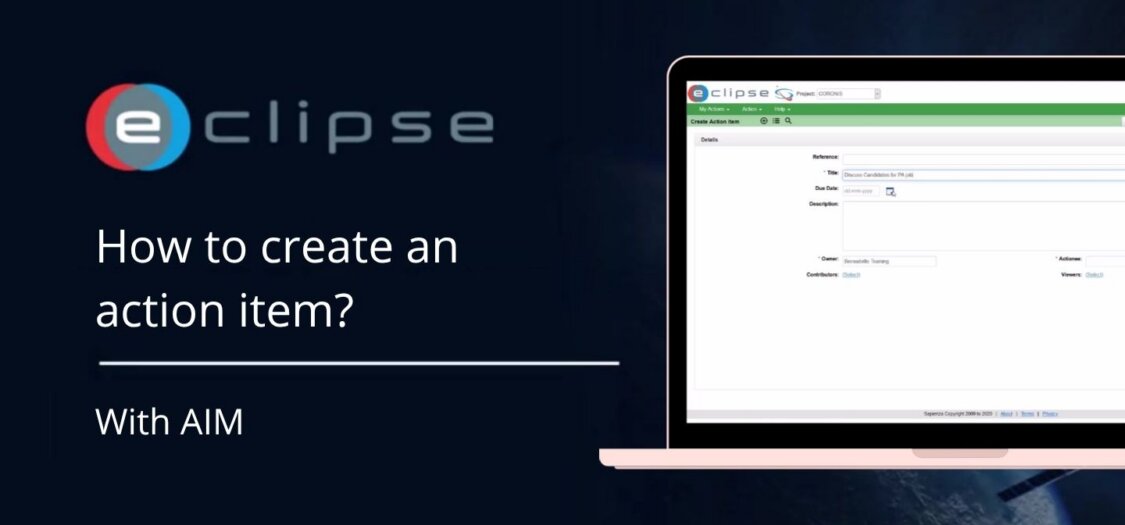
In this video, we will show you how to create an action item.
Steps to create an Action Item in AIM
- Click the plus sign in the top left.
- Fill in the required fields to create an action item.
- Select the Actionee for the task.
- Enter all mandatory information such as:
- Title
- Owner
- Actionee
- Click Create to create the action item.