How to see a list of my action items
07 Jun, 2026
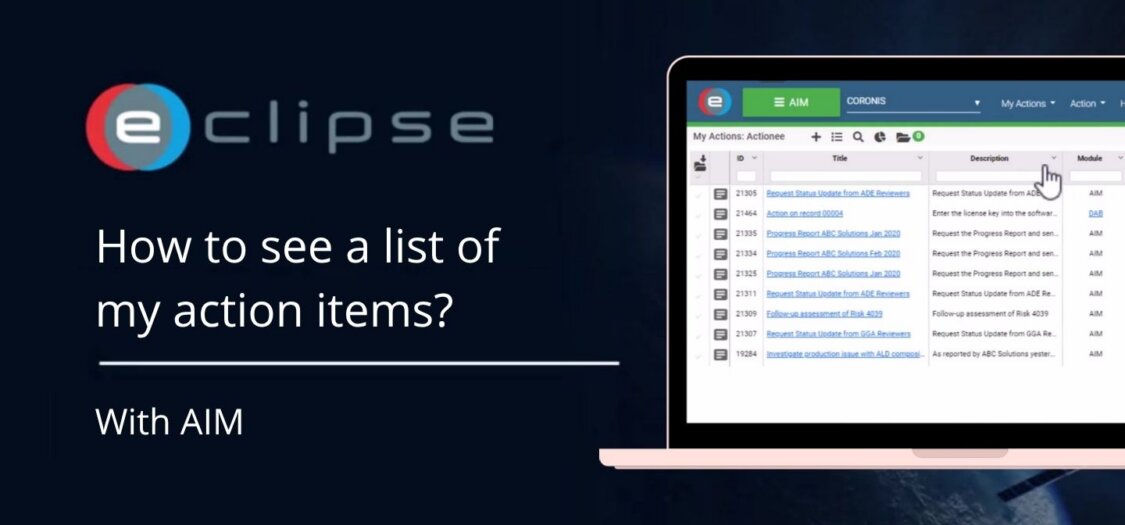
The My Actions view helps you quickly find action items that require your attention. You can filter the list based on your role in the action item.
In this video, we will show you how to view your action items.
Steps to see a list of your actions
- Go to My Actions in the menu bar of AIM.
- Select a role, for example Owner, to filter the list.
- You will now see the action items where you are assigned as Owner.
- Open the dropdown and select Actionee.
- You will now see the action items where you are the Actionee.
- My Actions only shows action items that require action. Closed actions are not visible here.