What is RISK?
08 Jul, 2026
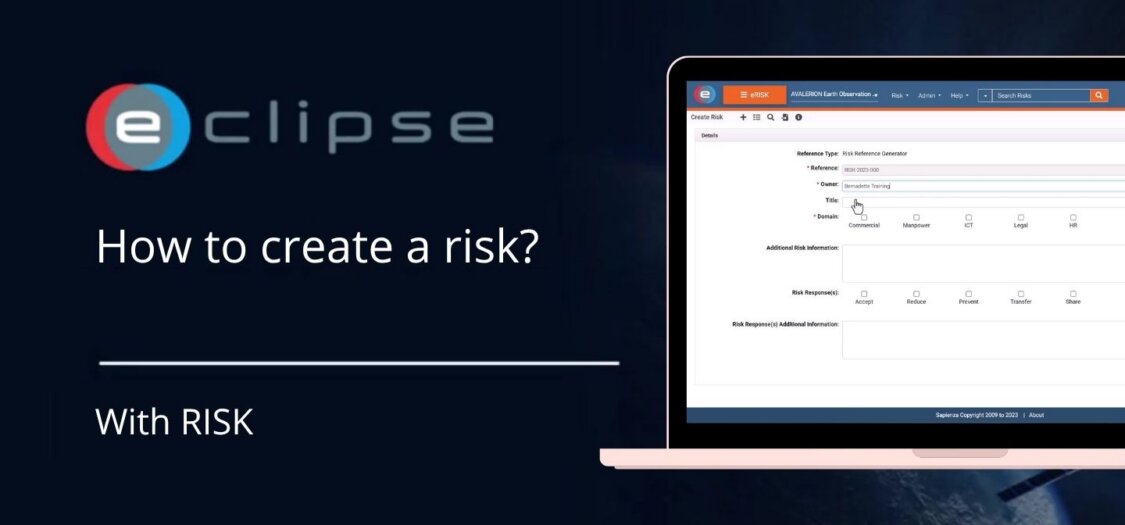
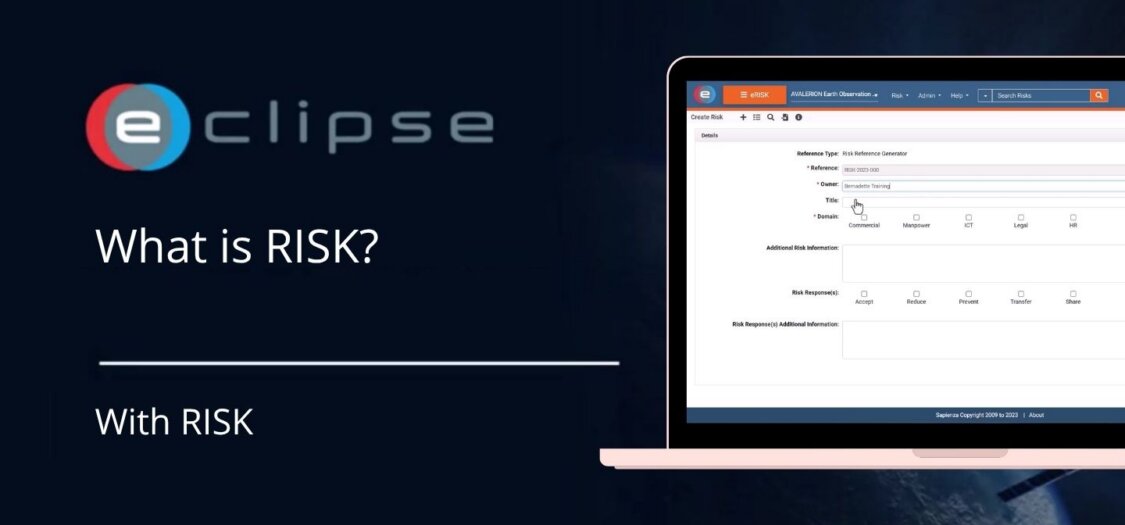
The Risk Management (RISK) module helps you identify, assess, and manage project risks throughout their lifecycle. It provides a central location to record risks, evaluate their impact, assign ownership, and monitor mitigation actions, helping your project remain under control.
In this video, we provide an overview of RISK and its main features.
With RISK you can:
- Create and manage project risks.
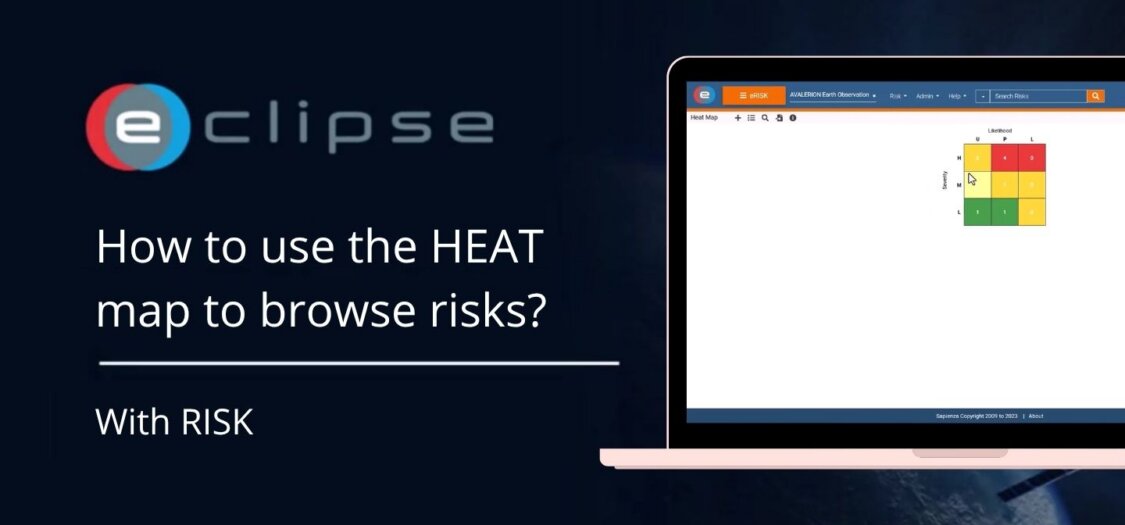
- Assess the likelihood and impact of identified risks.
- Assign risk owners and responsible users.
- Define mitigation and contingency actions.
- Track the status of risks throughout the project lifecycle.
- Monitor changes to risks and their associated actions.
- Maintain a central register of all project risks.
Risks can be linked to other project information, providing full visibility into how they may affect project deliverables and activities.
What are the main features of RISK?
- Managing risks from identification through closure.
- Recording risk details and assessments.
- Assigning ownership and responsibilities.
- Tracking mitigation and follow-up actions.
- Monitoring risk status and progress.
- Maintaining a centralized risk register.
- Supporting project governance through structured risk management.
What can you do next?
After creating a risk, you can:
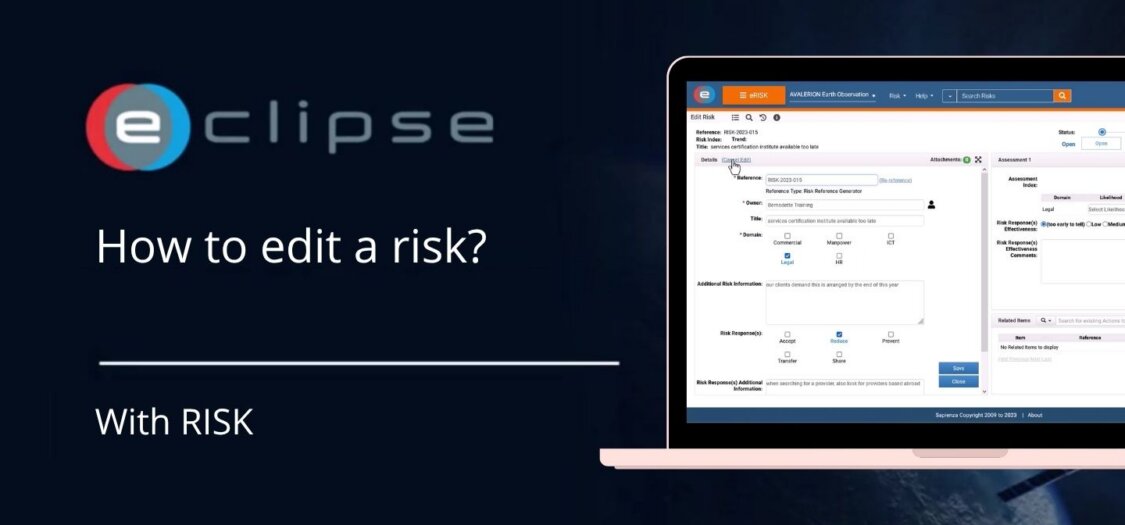
- Edit the risk information.
- Update the likelihood and impact assessments.
- Assign or change the risk owner.
- Record mitigation actions.
- Monitor the progress and current status of the risk.
- Link the risk to other project objects where applicable.
Result
RISK provides a structured approach to managing project risks, helping teams identify potential issues early, monitor their progress, and ensure appropriate mitigation actions are taken throughout the project lifecycle.