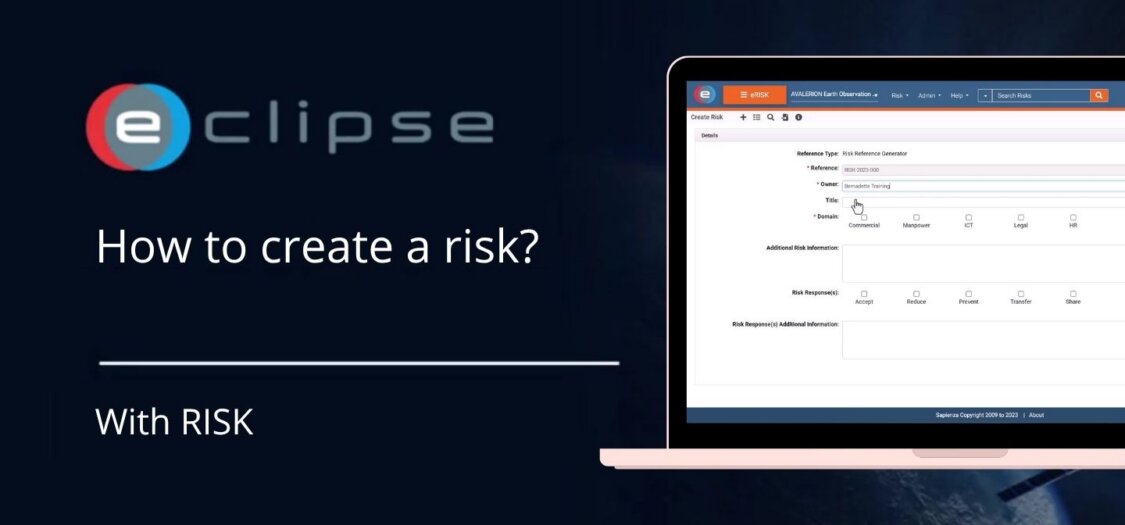
How to create a risk?
08 Sep, 2026
Creating a risk in the Risk Management (RISK) module allows you to record potential issues that could impact your project. By documenting risks early, you can assess their impact, assign ownership, and define mitigation actions to reduce project uncertainty.
In this video, we demonstrate how to create a new risk in RISK.
Before you begin
Before creating a risk, make sure you have:
- Access to the Risk Management (RISK) module.
- The appropriate permissions to create risks.
- The necessary project information to describe and assess the risk.
How to create a risk
- Open the Risk Management (RISK) module.
- Navigate to the project or location where you want to register the risk.
- Click Create Risk.
- Complete the required information, including:
- Risk title
- Description
- Risk category (if applicable)
- Likelihood
- Impact
- Risk owner or responsible user
- Review the entered information.
- Click Save to create the risk.
The risk is now added to the risk register and can be managed throughout its lifecycle.
What can you do next?
After creating a risk, you can:
- Edit the risk details.
- Update the likelihood and impact assessments.
- Assign or change the risk owner.
- Record mitigation or contingency actions.
- Monitor the risk status and progress.
- Link the risk to related project information where applicable.
Result
Your new risk is stored in the Risk Management (RISK) module and is available for assessment, monitoring, and follow-up throughout the project lifecycle.